
 UnslopSign in to run
Coding · Unslop
Unslop
Your app, with its own rules.
Pick a direction and Unslop writes the design rules, type and colour tokens your agent follows. Hand it a stylesheet and it shows the overrides and off-scale values.
Included with Creative.
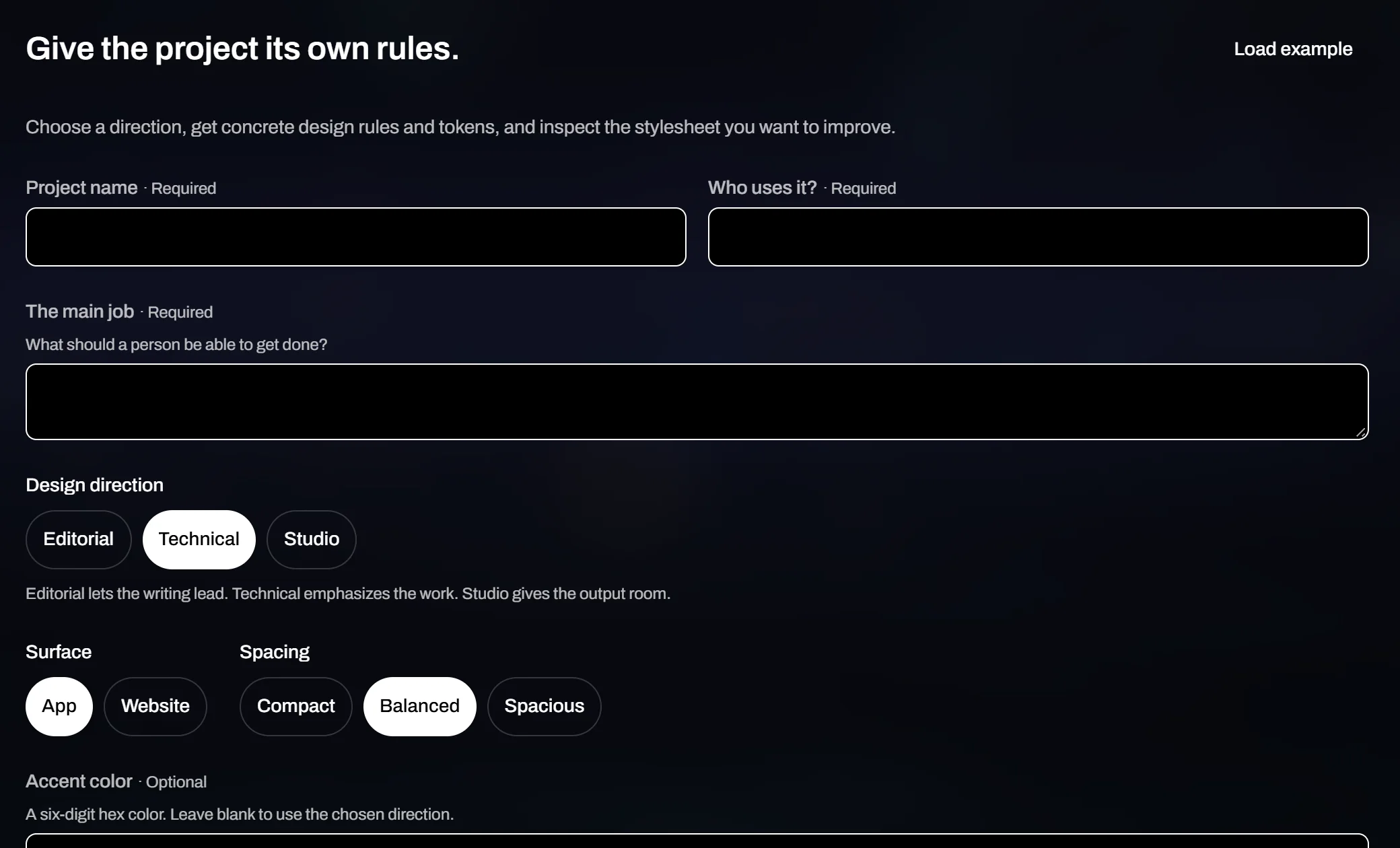
Give the project its own rules.
What should a person be able to get done?
Design directionEditorial lets the writing lead. Technical emphasizes the work. Studio gives the output room.
Surface
Spacing
A six-digit hex color. Leave blank to use the chosen direction.
Paste a CSS sample, up to 80,000 characters. Leave out private values.
Your brief and optional CSS are sent to Galactrex to create the files. Their contents are not saved in your account. Included with Creative at launch.How it works
Describe it. Pick a direction. Take the files.
Say what it is.
A name, who uses it and the one job it has to do. Then a direction (Editorial, Technical or Studio), the surface, the spacing and, if you want, an accent colour.
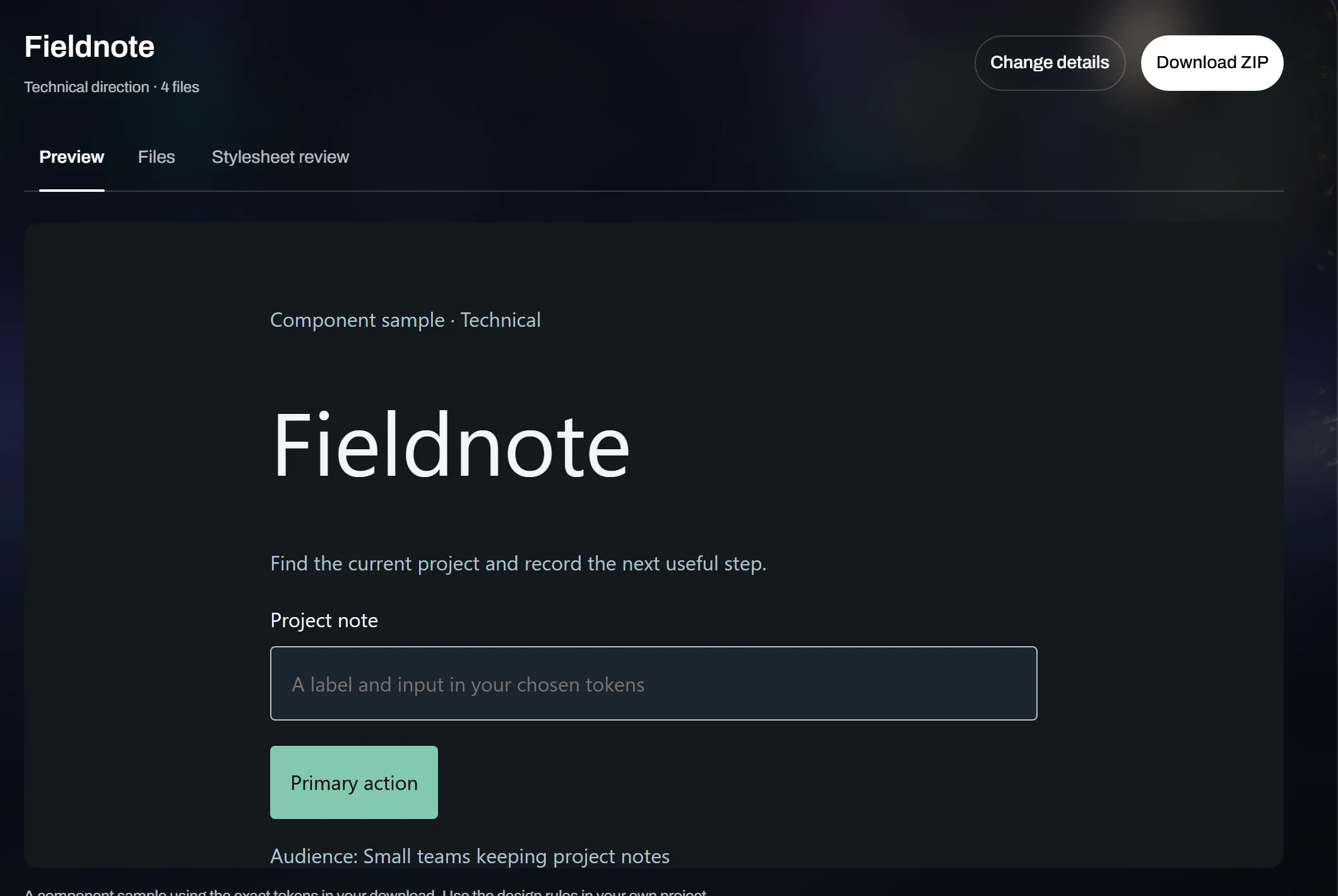
Get the rules.
A direction with its files, a live sample built from the exact tokens in your download, and a review of the stylesheet you want to fix. One ZIP to take away.
Agents default to the same rounded cards and the same purple. Unslop gives yours a house style to keep.
By the numbers
- 3
- Directions: Editorial, Technical, Studio
- 1
- ZIP with the rules and tokens
- 2
- Surfaces: app or website
- 3
- Spacing scales
Your app, with its own rules.
Unslop comes with Creative and runs from your Galactrex account.